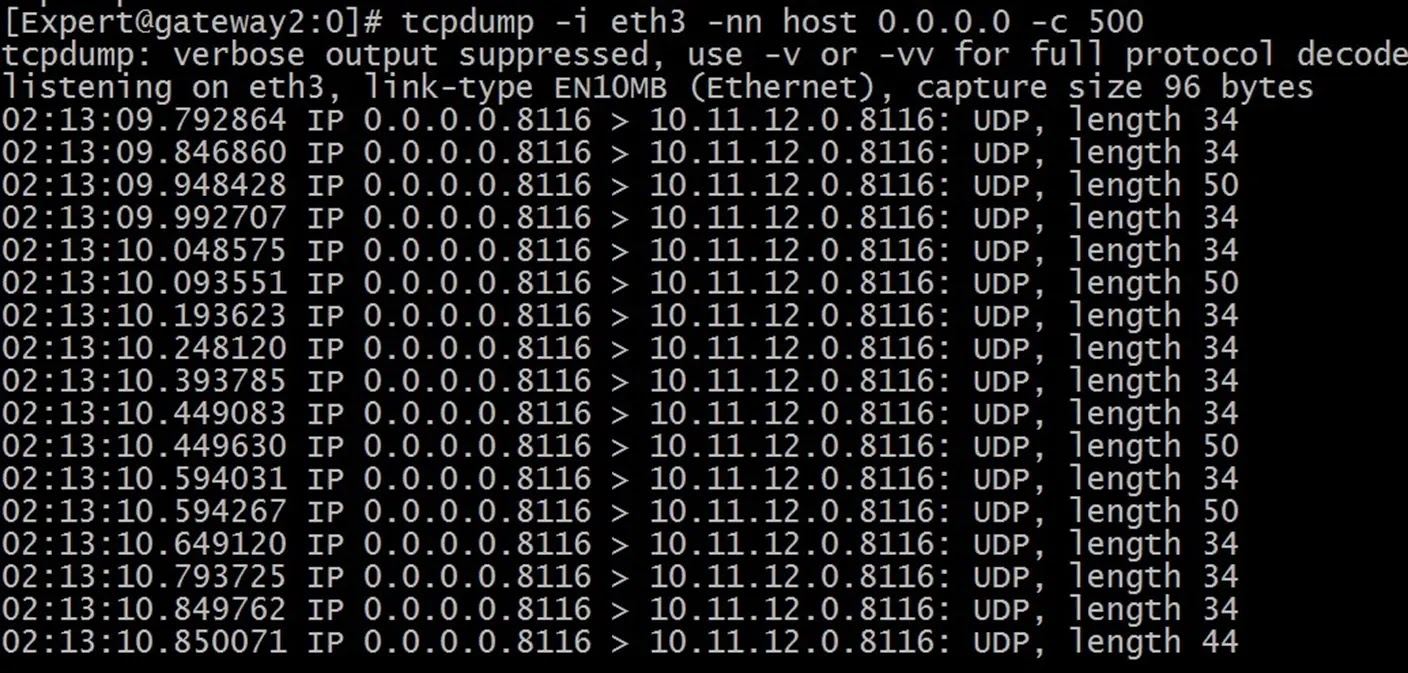
Capture host
tcpdump –i interface-name host host-ip-address

No Domain lookup
tcpdump –i interface-name -n host host-ip-address

No Domain & protocol lookup
tcpdump –i interface-name -nn host host-ip-address

Restrict the captured packets
tcpdump –i interface-name -nn host host-ip-address -c number-of-pkts-to-captured

Capture service
tcpdump –i interface-name -nn port port-number -c number-of-pkts-to-captured

Capture host & service
tcpdump –i interface-name -nn host host-ip and port port-number -c number-of-pkts-to-captured

Capture host & protocol
tcpdump –i interface-name -nn host host-ip and protocol -c number-of-pkts-to-captured

Negate Filter
tcpdump –i interface-name -nn host host-ip and not protocol -c number-of-pkts-to-captured

Capture Source/Destination
tcpdump –i interface-name -nn dst destination-host-ip and not protocol -c number-of-pkts-to-captured

Complex Combination
tcpdump -i eth3 -nn "dst 216.58.197.36 or dst 216.58.196.99" and port 443 -c 10

Capture MAC address

tcpdump -i eth3 -nn -e host 8.8.8.8 and icmp -c 5
SecureXL (0N) – Be Careful
tcpdump -i eth0 -nn -e host 192.168.130.167 and port 80 -c 5

SecureXL (0FF)
tcpdump -i eth0 -nn -e host 192.168.130.167 and port 80 -c 5

ClusterXL
tcpdump -i eth3 -nn host 0.0.0.0 -c 50